DB Actions
There are two optional miscellaneous selections under the DB Actions tab, one for creating the MusicXML database tables, and one for generating the MusicXML schema file.
These actions aren't required for tool operation, and are included for convenience.
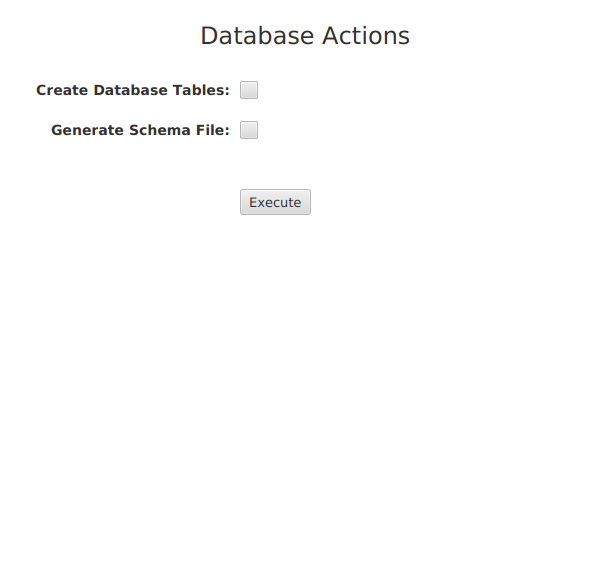
Create Database Tables
This option creates the MusicXML database tables.
Normally, the MusicXML tables are created transparently when the first successful connection is made to the database using the connection information as set under the DB Settings tab. However, if the user drops and then recreates the MusicXML database while the tool remains open and the database connection established, the user can manually recreate the tables using this selection.
Generate Schema File
The schema file contains all of the database definitions, primary and foreign key relations, and sequences according to the type of database setup by the user.
The file is generated as defined by the Hibernate annotations included in the Java class files of the application. This SQL file is also included under the Downloads section, but the user can generate their own to run at an SQL prompt, or for study purposes.
When the checkbox is selected, choose the fully-specified location for the schema definition file which has an .sql file extension.
The schema file doesn't include statements for creating the database. This task is performed separately by the user.