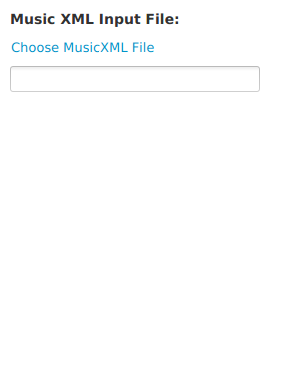
From MusicXML
Selecting this pane will convert a MusicXML file to Java beans which are then converted to the data type selected in the to-conversion pane.
Files can be compressed (.mxl) or uncompressed (.xml, .musicxml).
Files can be in either partwise or timewise format.
When converting to a database record, the score record will store the format of the uploaded the MusicXML file,
and when converted back to a MusicXML file, the result will be in the uploaded format.
Comments, processing instructions, and document declarations are included in the conversion.
- Click on the "Choose MusicXML File" link to navigate to the MusicXML file, and select the XML file, or enter the fully-specified location (location including folder/directory name) in the text box.
MusicXML Validation
MusicXML conversion validates the file before processing.
A validation failure will result in the conversion not being run.
Validation uses the encoding indicated by the encoding attribute of the XML declaration, by default
UTF-8.
In some cases, validation will fail when the encoding is given as
UTF-8,
and issue an error of this type:
Invalid byte 2 of 3-byte UTF-8 sequence
Usually, manually changing the encoding attribute value to
ISO-8859-1 will result in a successful validation.