Database Settings
The DB Settings tab is where you set database connection information.
Once you have set up the database, select the DB Settings tab, and enter the connection information in the form provided, and press the "Save Settings" button.
You can optionally test the database connection by selecting the "Test Database Connection" checkbox before pressing the "Save Settings" button.
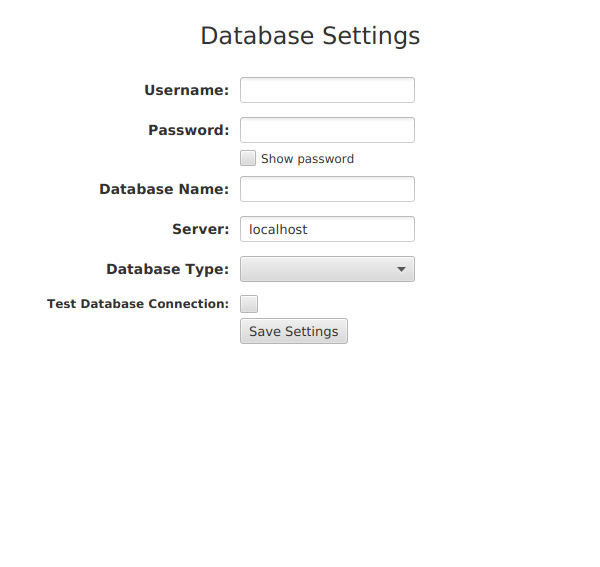
The tasks tool is configured to use MySQL, PostgreSQL, and Oracle XE (Express Edition). For information on installing a database, see the installation instructions for the database type you have chosen. More infomation on the MusicXML database is provided in the "Database Setup" and "Using the Database" sections in this guide.
Using the Oracle XE database on Linux may required the port number be included in the Server field. For example,
localhost:1539.
MusicXML Database Default Values
If you don't set database connection values, the application will use the default values below:
| Username: | musicxml | |
| Password: | musicxml | |
| Database Name: | musicxml | |
| Server: | localhost | |
| Database Type: | mysql |
Any database values you enter and save will override the default value. Any fields you leave blank will use the default value.