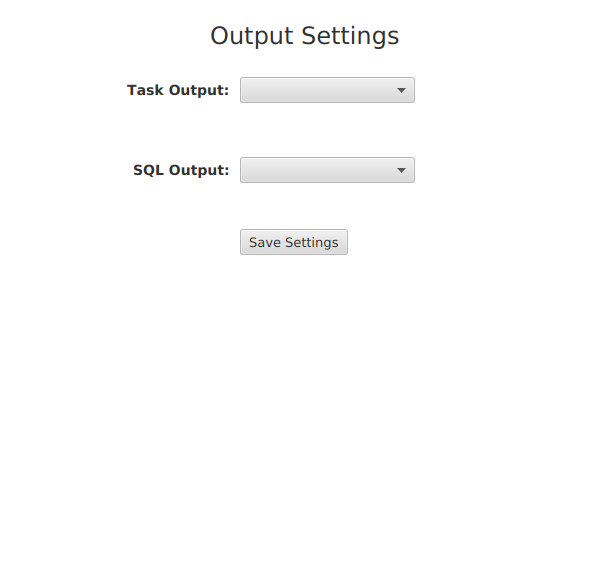
Output Settings
By default, all output goes to the console area at the bottom of the tool. Task output and the display of SQL queries are each handled separately. Users can optionally redirect this output to file for separate viewing.
It's strongly recommended that SQL output be redirected to file because the quantity of output can overwhelm the tool, requiring that it be restarted.
Setting Output Locations
When a "To File" option is selected from the corresponding dropdown, a navigation link and location text box appear for that setting.
Navigate to the location by selecting the location link, or manually enter the fully-specified location (file name including the folder/directory path) in the location text box.
Once the location is in the location text box, press "Save Settings" to save the output location.
If both types of output are to file, it's recommended that each output type goes to its own file so that different kinds of output don't get intermingled.