To Database
Selecting this pane will convert the Java beans created in the from-conversion process to a MusicXML database record.
Only a MusicXML file can be converted to a MusicXML database record.
Both partwise and timewise MusicXML files can be converted to a database record.
A timewise MusicXML file is first converted to a partwise format,
and then stored in the database the same way as a partwise MusicXML file,
with the score record indicating that the converted MusicXML file was originally in timewise format.
Later, when the database record is converted to a MusicXML file, the output will be to its original timewise format.
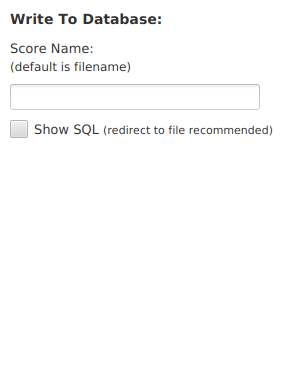
- Enter the score name that you want the database record to have in the "Score Name" text box.
- Select the "Show SQL" checkbox to display the SQL queries that Hibernate executes.
If no score name is entered in the text box, the score name will be the XML filename minus the file extension.
No two scores stored in the database can have the same score name.
NOTE: It's recommended that that SQL output be redirected to a file, as the amount of output may overwhelm the tool,
requiring that it be restarted (see redirection under the "Output" tab in the tool).